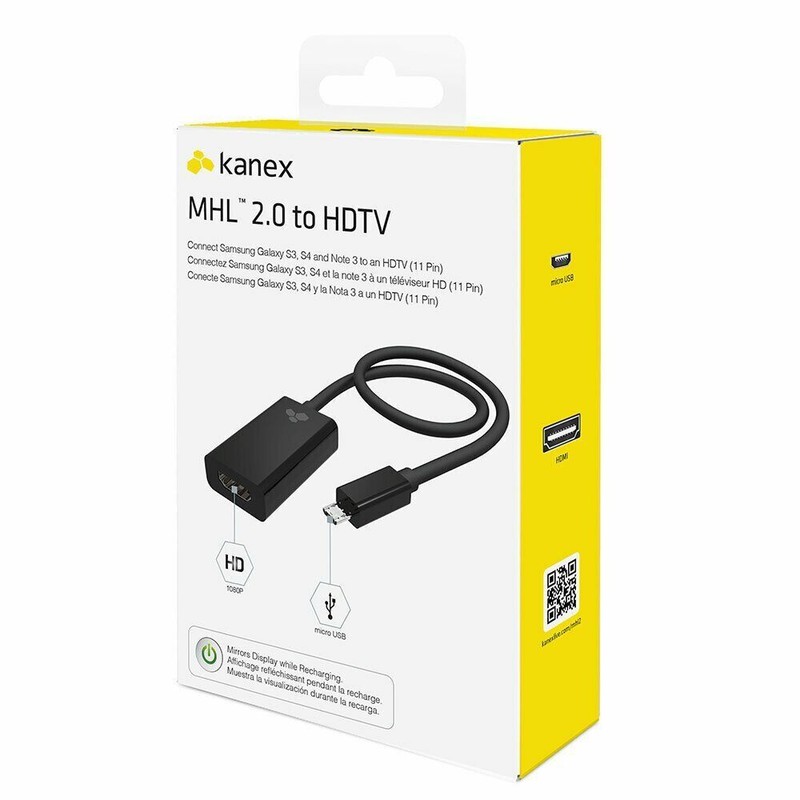
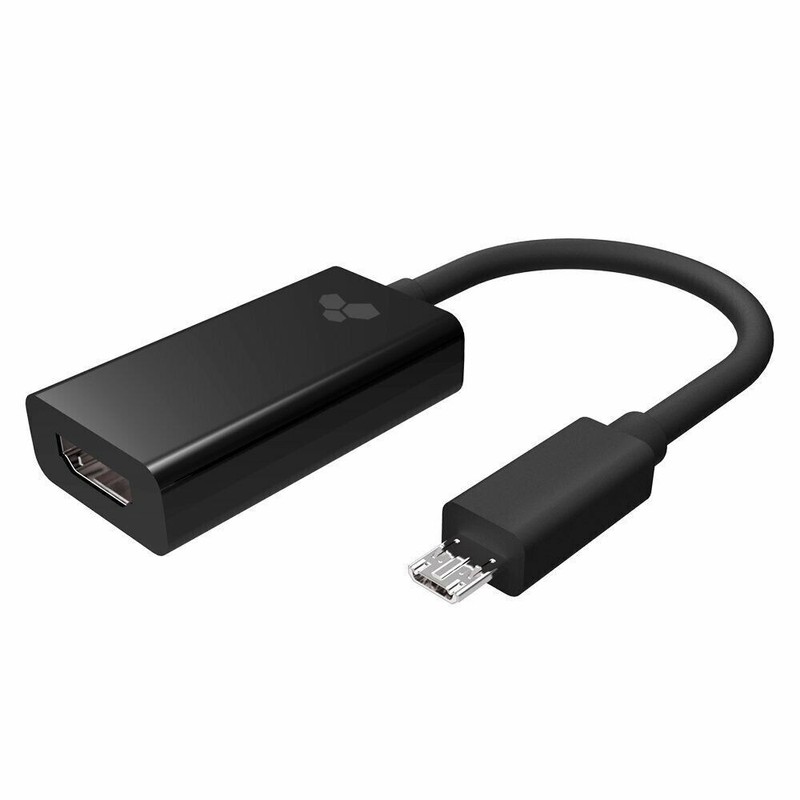
Kanex Laptop phone MHL 2.0 to HDMI HDTV out Adapter
USD 3.60 USD
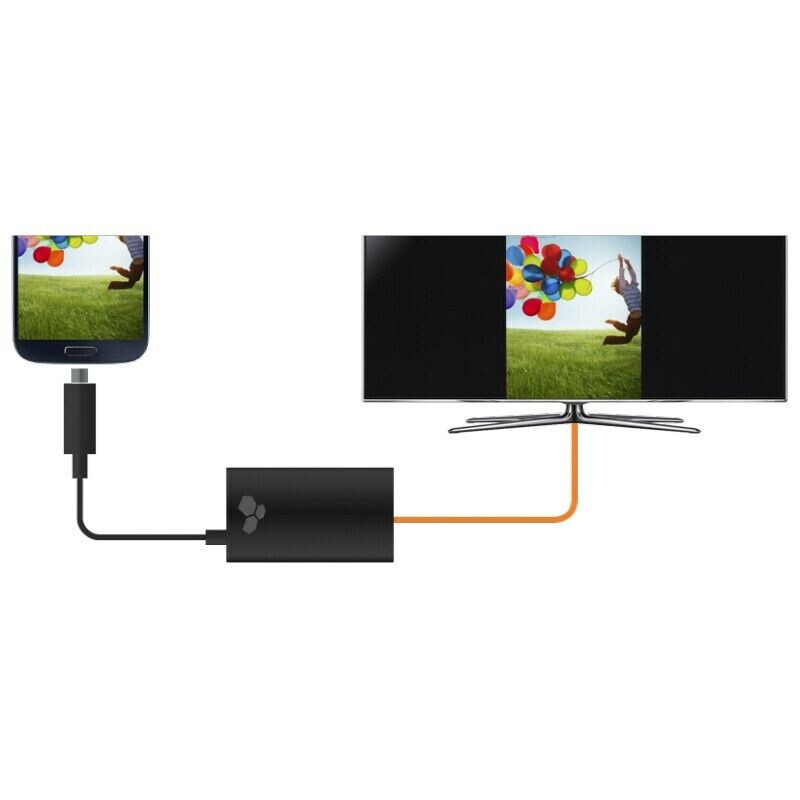
Simple Set Up Set up is easy. No installation or drivers required. Connect your phone’s power adapter to the Kanex MHL Phone Adapter via the Micro USB port, then connect to a power source. Connect an HDMI cable (not included) to the Kanex MHL Phone Adapter, then connect the other end of the HDMI cable to the HDMI port on your HDTV 3.
Specifications
| Brand | Kanex |
| Compatible Brand | Any micro USB |
| Type | MicroUSB- HDMI |
| EAN | 814556015513 |
| Compatible Model | Samsung |
| MPN | S3HDTV |
| Colour | Black |
With the Apple name on it, this adapter feels like a safe bet for everyday use.